The traditional rooftop TV aerial is becoming obsolete in the digital age. With internet-based TV services, streaming devices, and modern cable options, you can easily watch live TV without an aerial. Here’s how to access live TV in the UK, including Freeview, without the need for a traditional aerial setup in 2024.
Freeview Play App
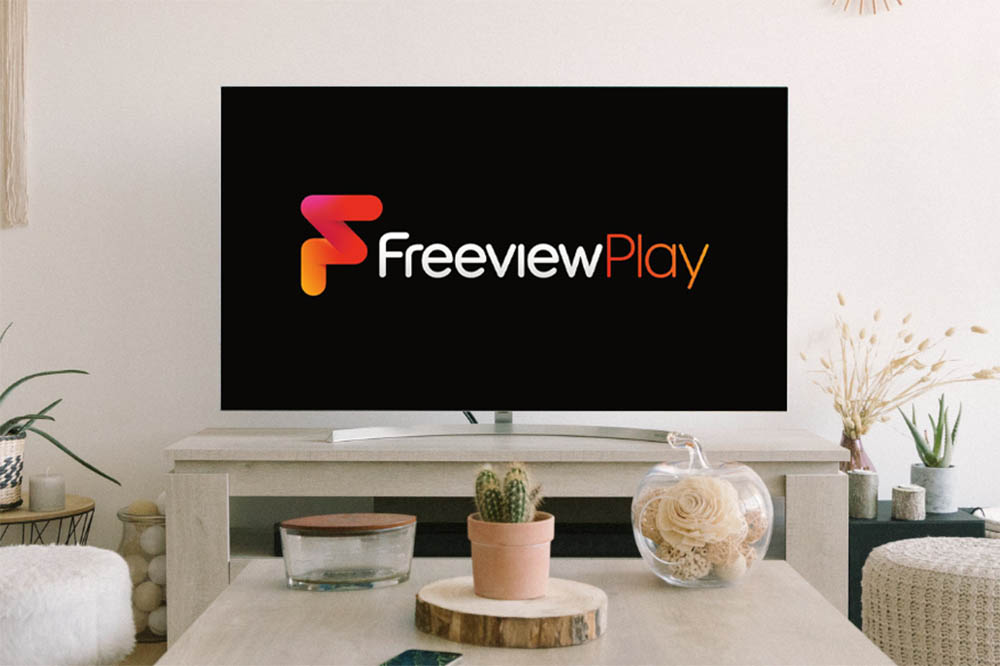
The most straightforward way to watch Freeview without an aerial is by using the Freeview Play app. Available on smartphones, tablets, laptops, and many Smart TVs, the app allows you to stream live TV, catch up on programmes, and watch your favourite shows—all with an internet connection. Simply download the app, and you’re ready to watch.
Requirements: A stable internet connection via Wi-Fi or mobile data. The app works on a wide variety of devices, including tablets, phones, Android TV boxes, and compatible Smart TVs.
Chromecast Your Mobile Device
If you have a Chromecast device, you can cast content from the Freeview Play app on your mobile device directly to your TV. Just launch the Freeview Play app, select the live TV or on-demand content you want, and use the casting option. This method requires no physical cable between your devices—just a shared Wi-Fi network.
Why Use Chromecast: It’s easy to set up and doesn’t require additional cabling, making it ideal for homes that already have Chromecast or similar devices.
Use a Smart TV With Freeview Play
Most modern Smart TVs support apps, including Freeview Play. You can directly install the app from your TV’s app store. Many recent LG, Samsung, and other popular brand TVs (from 2021 onwards) support Freeview Play, enabling you to access popular UK channels like BBC iPlayer, ITVX, and All 4 without needing an aerial.
Compatibility: If your Smart TV is relatively new, you’re likely covered. Check your TV’s app store to see if Freeview Play is available.
Use an Android TV Box
An Android TV box is another practical solution for watching Freeview without an aerial. These affordable devices can be connected to any TV with an HDMI port, allowing you to download the Freeview Play app from the Google Play Store. This is especially useful for older TVs that lack built-in smart features.
What You Need: A compatible Android TV box (which costs around £50 or less) and a TV with an HDMI port.
Use a Smart TV With Built-In Apps
If you have a Smart TV, you’re in luck! Most modern Smart TVs, including popular brands like LG, Samsung, and Sony, come with built-in apps that allow you to watch live TV without an aerial. Apps like BBC iPlayer, ITVX, and Channel 4 offer live broadcasts directly through their interfaces. Simply connect your TV to the internet, download these apps from your TV’s app store, and enjoy live TV without any additional hardware.
Why It’s Great: No extra devices or cables are needed. Just use your Smart TV to access live broadcasts from major UK channels easily.
Other Alternatives for Watching Live TV Without an Aerial
Satellite TV: Consider a Freesat box if you have an existing satellite dish. Freesat provides over 200 free channels without an aerial.
Internet-Based TV Services: Use services like NOW TV or Sky Stream, which provide live TV channels and do not require an aerial or dish.
Smart Set-Top Boxes: Devices like Apple TV or Roku allow you to access apps that stream live TV, including catch-up services from the main UK broadcasters.
In a nutshell
You don’t need an aerial to enjoy live TV in the UK anymore. With the Freeview Play app, Chromecast, Smart TVs, Android TV boxes, and Fire TV devices, accessing Freeview and live TV is as simple as having an internet connection. These modern solutions offer the flexibility to watch your favourite channels without the need for traditional aerials, bringing TV viewing firmly into the digital age.